
The First Iteration of the MFL Match Engine is Here!
Exciting news! The day we’ve all been waiting for is finally here. The first iteration of the MFL match engine is live and ready for…
The First Iteration of the MFL Match Engine is Here!
Exciting news! The day we’ve all been waiting for is finally here. The first iteration of the MFL match engine is live and ready for action!
From now on, club owners can challenge each other to friendly matches and see how their teams stack up against the competition. Get ready to experience all the excitement and drama of MFL matches like never before 👀
MFL Friendlies: How to participate
Grab a License
The first thing you’ll need is a Club License. Club Licenses allow their holder to build a Club within the city and division specified on the License. Club creation features, where you’ll be able to name your club, design its logo (and more!) are coming out soon!
As a Club Owner, you’ll also be able to enter competitions and earn rewards along the way once the first official league season kicks off!
If you don’t hold one of these yet, you can grab a brand new one via a STARTER Club Pack at https://app.playmfl.com/drops/12 while supply last. You can also find Licenses on the secondary market, either via our marketplace or on Gaia (https://ongaia.com/mflclubs).
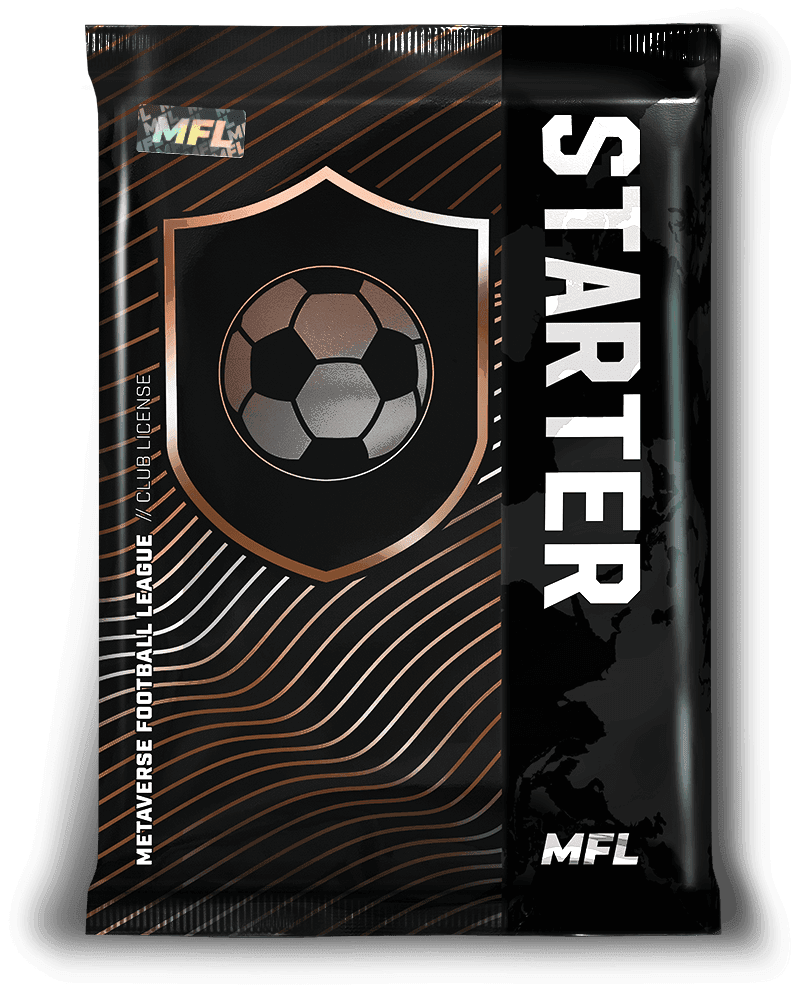
The MFL League system. Buy a STARTER Club Pack to discover a Bronze or Iron Club License!
Set your tactics
Head to https://app.playmfl.com/friendlies/tactics to define your starting eleven. Click on the position placeholders on the pitch to show a list of players under your Agency that can play in that position. Then, click SELECT to pick the player of your choosing for that position.
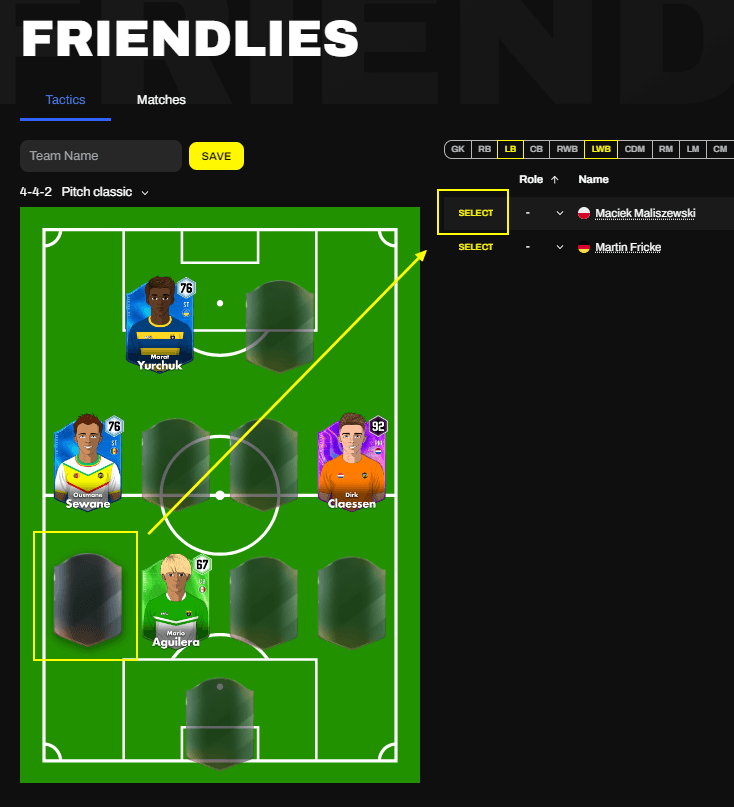
The tactics page for MFL Friendlies
As you may notice, we’ve made it so that LWs can play at the left Striker position, and RWs at the right Striker position. Aside from that, the positions remain the same as on the original tactics page: LWBs can play at LBs, CDMs at CM, etc.
Hit the pitch
Once your 11 is set, click on the Matches tab. From there, either enter your opponent’s wallet address and click “start match” or select “random match” to pick an opponent at random!
So what are you waiting for? Manage your squad, hit the pitch, and let the matches begin! We can’t wait to watch some of the epic battles between our OG Club Owners!
By Lucas on February 2, 2023.
Exported from Medium on March 19, 2026.
Share this article